
01 · Everyday utility
Write Nepali as naturally as you speak it
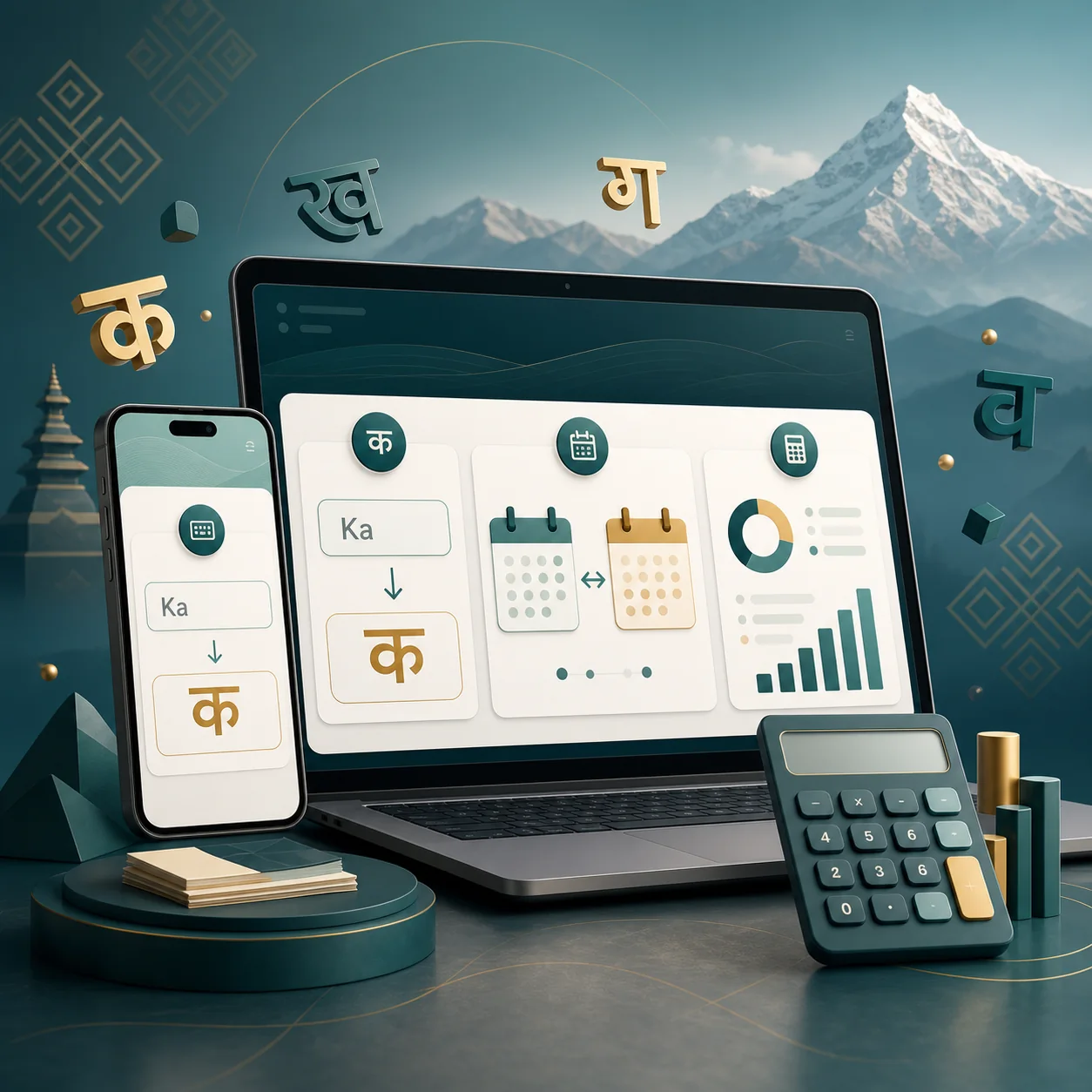
Type Romanised Nepali and accept phonetic Unicode suggestions with Space. Copy, print or export without sending your writing to our server.
Start typing in NepaliPrivate browser tools for Nepali Unicode, BS–AD dates, salary tax and EMI—built to help you finish the task, not fight the form.
नेपाली टाइप गर्नुहोस्, मिति बदल्नुहोस् र स्पष्ट रूपमा हिसाब गर्नुहोस्।

Quick access
Every released tool is collected here for quick navigation.
Start with what you need now
Ordered around the tasks people need most often—from a quick everyday answer to a serious compliance action.
Type Romanised Nepali and accept phonetic Unicode suggestions with Space. Copy, print or export without sending your writing to our server.
Start typing in Nepali
Enter dates with dots, slashes or hyphens and see the weekday, relative time, tithi and key occasions in one clear result.
Convert a date now
Calculate Nepal remuneration tax by fiscal year, separate SSF and CIT/PF treatment, and see take-home pay with a traceable working paper.
Calculate salary tax
Compare flat and reducing interest, model extra payments and inspect the amortization schedule before committing to a loan.
Compare loan repaymentsThree real reasons to use it
Estimate annual remuneration tax, then bridge it back to a normal monthly take-home figure.
Produce Unicode Nepali locally or check a supported BS/AD date with its weekday.
Compare flat and reducing methods using the same principal, rate and repayment period.
Learn before you rely
Useful notes for the questions behind the tools, with examples and links to the source material when you need to check the detail.
आर्थिक ऐन 2083 अनुसार वार्षिक तलब कर कसरी बन्छ, मासिक तलब किन annualise गरिन्छ, SSF तथा अन्य दाबी कसरी छुट्याइन्छ र take-home कसरी बुझ्ने भन्ने व्यवहारिक मार्गदर्शन।
लेख पढ्नुहोस्Practical Roman spellings, candidate-selection habits and safeguards for producing better Nepali Unicode on desktop and mobile.
Read guideछुटेका विवरण, बाँकी कर वा पुरानो कर दायित्व भएका करदाताले आर्थिक ऐन 2083 को सुविधा खोज्नुअघि तथ्य, फाराम, भुक्तानी र म्याद कसरी छुट्याउने भन्ने व्यवहारिक मार्गदर्शन।
लेख पढ्नुहोस्The calculator identifies the fiscal year and enacted source, separates annual inputs from monthly salary amounts, and shows that independent toolkit calculation review is still ongoing.
Nepal Toolkit is independent of government authorities. The publisher maintains the original guidance, tools and correction process without describing unrecorded work as expert reviewed.
Trust is part of the interface
Every important result should tell you where the rule came from, which period it applies to and what still needs professional judgement.
Read methodology and correction historyOne useful result can save the next hour
Type, convert or calculate without an account. When the task becomes a filing, letter or judgement call, the source trail and professional-review path are already there.
Common questions
Yes. Type Nepali words with Roman letters and press Space to accept the preferred phonetic Unicode suggestion. Local candidate typing works in the browser and does not send your writing to our server.
You can enter supported dates with dots, slashes or hyphens. The result includes the weekday, relative time and available tithi or key-occasion information.
No. It is an independent utility maintained for practical compliance work. Verify final filing positions with the relevant authority or a qualified professional.
The released FY 2083/84 workflow separates SSF and CIT/PF treatment, explains deduction limits and creates reviewable Excel/PDF working papers.
Public calculator inputs stay in your browser. Letter progress can be saved locally on your device and cleared from the Letters page.
Nepal Toolkit is published and maintained by Finora Advisors Pvt. Ltd. It is an independent service, not an IRD or government website. The editorial and correction policies explain how sources, updates and reported errors are handled.
No. Source-backed civil formulas can produce research-stage working estimates, with the section, inputs, substituted formula and review status shown beside the result. They are not IRD assessments or payment instructions, and factual or criminal provisions are not presented as definitive liabilities.